
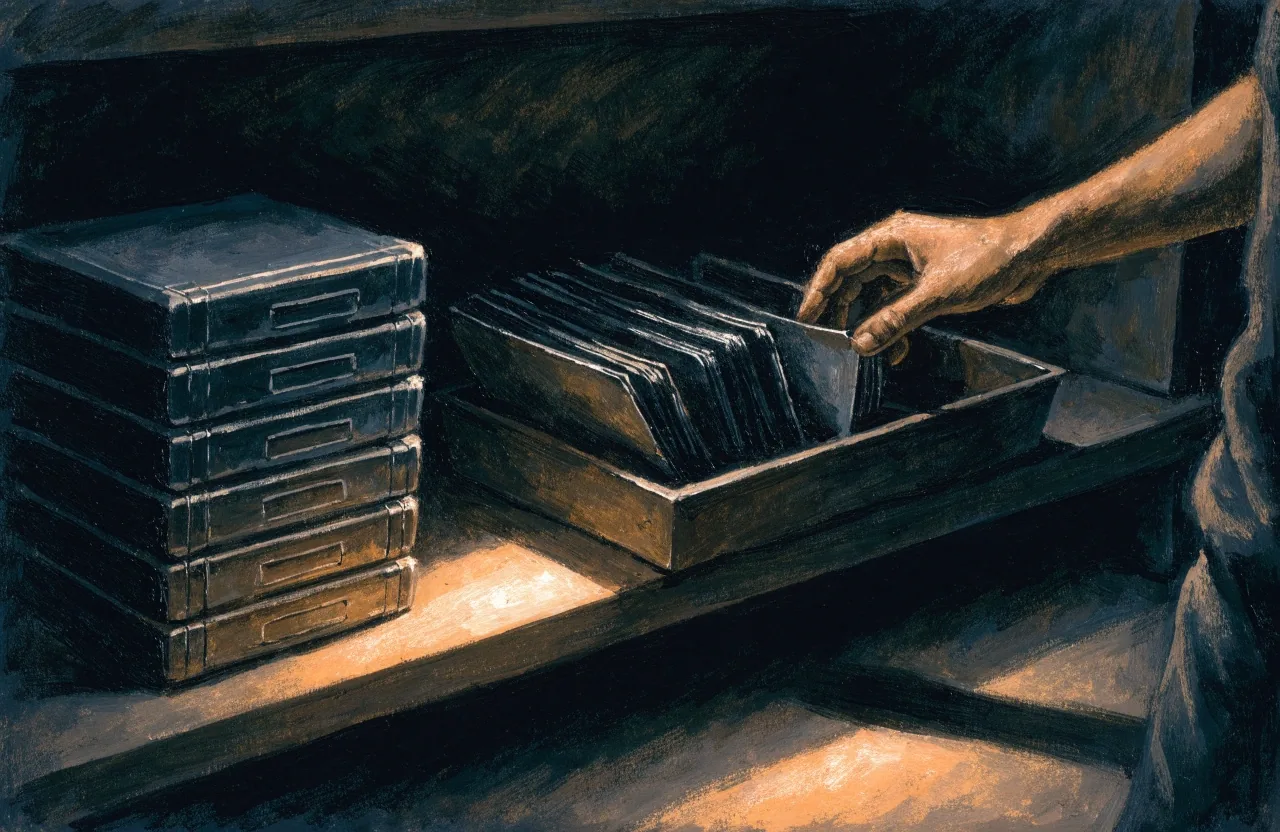
Batch file handling
Bulk rename, sort and move files between folders from one window, with a preview of every operation before it runs. Irreversible bulk actions are never a single click away.

Northwood Retail builds short, focused Windows applications alongside its game work — file handling, quick reference, workflow helpers. Finished and dependable rather than feature-heavy, and they run on ordinary PC hardware.
The tools on this page are desktop utilities for Windows, one job each. They're not platforms and they're not services with web dashboards bolted on. A good utility does one thing well, starts fast, and gets out of the way. We build in that spirit because we've used software that tries to do everything and ends up doing nothing properly. If a tool has a single obvious purpose, that purpose gets stated on the tool's own listing. If we can't describe it in one sentence, it isn't finished.
Four utilities, shipped and still maintained.
A shelf of the utility applications we've shipped. Swipe or click a panel to move along it — each panel hands its caption to the next.
Bulk rename, sort and move files between folders from one window, with a preview of every operation before it runs. Irreversible bulk actions are never a single click away.
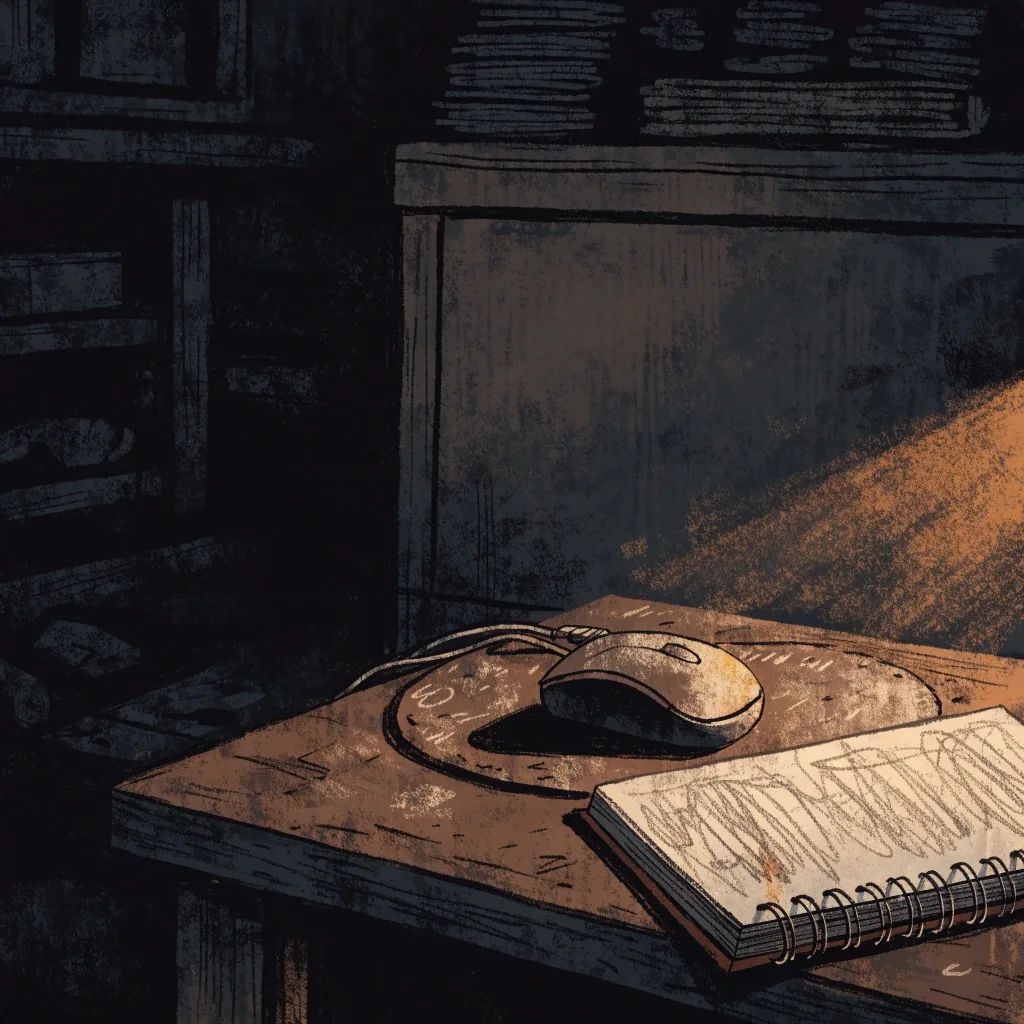
A small window that answers a single question without leaving the current task — check a value, look something up, compare two things. It sits close to the keyboard and closes without ceremony.
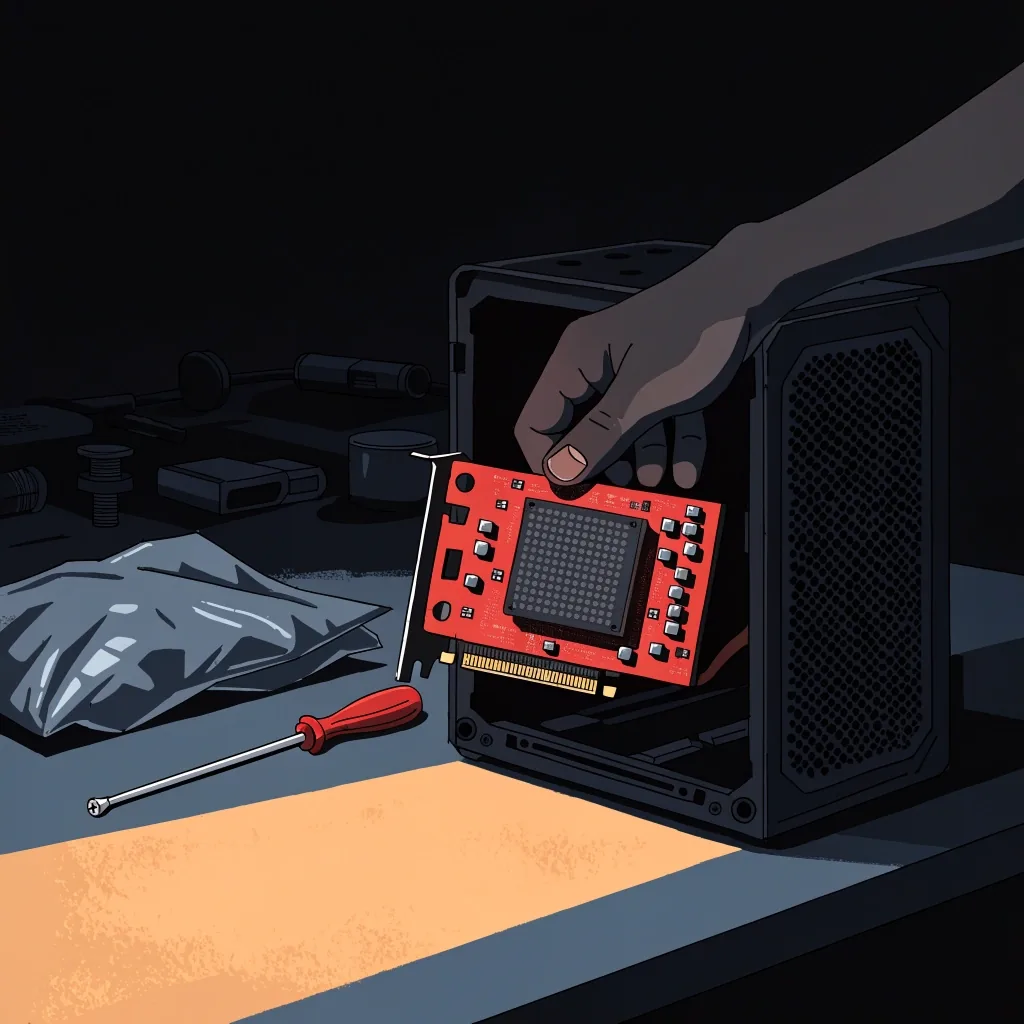
Shortcuts that started inside our own build process, kept alive after the project that needed them. They solve a problem we actually had, not one we imagined for a listing.

Released tools still get attention. Bugs get fixed, Windows changes get absorbed, small improvements land where they matter. No promised roadmap — just the software kept working.
Every utility on this page, in one ruled list. Tap a row to copy its build tag if you want the version a listing refers to by name.
Bulk rename, sort and move — with a preview of everything before it runs.
Answers one question fast, then closes without ceremony.
Shortcuts born inside the build process, kept after.
Build tags are the same strings the listings quote; pressing a tag copies it to the clipboard so you can quote it back to us if you report something.
Several of the applications here started as internal fixes. When a process starts to feel repetitive during development, that's a signal: build the fix, use it, and see whether it holds up under real pressure. If a tool survives that test and stays useful after the project it was written for, it becomes a candidate for release. The four steps below are the same relay every one of them walks.
The trigger is boredom, not ambition. A task in the build process repeats often enough that doing it by hand stops being acceptable.
The tool exists to solve one problem for us first. Scope stays narrow because we're under deadline and a bigger tool would never ship.
If it survives a shippable release without being torn out, it proved itself. Tools that only looked useful get archived at this step.
Only then does the question get asked: is this useful to someone outside the studio? Its listing notes the origin where it's relevant.

Three things worth checking before you spend disk space on any of these. They come up often enough in our own use to be worth stating plainly here rather than at the bottom of a listing.
Compatibility
All applications here target Windows desktops, and they're built to work on mid-range hardware rather than needing a recent gaming build. That's a design choice, not a limitation. The same instinct that shapes our games — readable interface, sensible defaults, honest performance targets — applies to software. If a tool needs a specific Windows version or a minimum spec, the listing says so plainly. We don't hide requirements at the bottom of a page, and we don't list a compatibility claim we haven't tested.
Audience
The audience splits roughly in two. First, people who work on a PC daily and want a small utility that removes friction: file renames, batch operations, quick lookups. Second, players and creators who spend time around modding, game tools, and the Steam-adjacent utility space, and who want software that behaves like it belongs there. Both groups share a low tolerance for bloat, and a high tolerance for tools that just work. Our application line is pitched at exactly that group.
Maintenance
Released tools still get attention. Bugs get fixed, Windows changes get absorbed, and small improvements get added where they make a real difference. We don't promise a permanent roadmap or a feature-per-month cadence, because that sets an expectation no small studio can keep honestly. What we do commit to is keeping the software working on supported Windows versions and being straightforward about what's changed between releases. Studio Notes carries those updates as they happen.
The honest test is whether a tool removes a task you actually repeat. If you handle files in bulk every week, a batch utility earns its place. If you don't, it won't, and that's fine. So the listings here are written to help you self-select: what the tool does, what it needs, and what it doesn't try to do. We'd rather someone skip a tool than install it and find it's a poor fit. That approach also keeps the small number of applications on this page genuinely useful.
Short notes on the work in progress, kept in the studio's own record. Nothing there is scheduled; they're what actually changed.
File handling · batch jobs
File handling is the most common job we build for: renaming in bulk, sorting output, moving material between folders without opening five windows. Each task is small individually and expensive cumulatively, which is why automation earns its place. Our tools in this space lean on clear rules and previews before anything runs. That preview step is deliberate — irreversible bulk operations should never be a single click away. The listings describe each tool's actual operations in plain terms.
Quick lookups · speed of access
Some tools exist to answer a question quickly: check a value, look something up, compare two pieces of information without leaving the current task. These utilities live in the corner of the desktop and stay quiet until needed. The design constraint is speed of access — a reference tool that takes longer to open than to use has failed. Our versions sit close to the keyboard, respond fast, and close without ceremony. Each listing states what it looks up and how it's invoked.
Maintenance notes · ongoing
Between releases the record is short and factual: what broke, what we fixed, what absorbed a Windows change. We keep it that way on purpose — a changelog padded with things that didn't matter makes the real fixes harder to find. When something changes behaviour in a way you'd notice, the note says so directly rather than burying it mid-paragraph.
The studio
A UK-based independent game studio and small-application house, building PC-first releases from a bench in Earley, Reading.
Visit
3 Victoria PlaceMonday to Friday, 9:00 AM – 6:00 PM
Next step
Tell us which task you repeat every week. If one of these tools handles it, we'll say so. If none does, we'll say that too.